


Ubuntu Server is easy to install. Running it responsibly is harder.
The administrator has to decide what the server is for, how critical its services are, who should have access, where its data belongs, how changes will be tested, and how the system will be recovered when something fails. Both Ken VanDine and Jay LaCroix have a history of writing excellent books on Ubuntu and this book is no different. Mastering Ubuntu Server, Fifth Edition is strongest when Ken VanDine and Jay LaCroix connect commands to those operational decisions.
The available chapters move from release planning and installation into accounts, permissions, packages, files, shell work, processes, monitoring, storage, networking, network services, and file sharing. This is a sensible progression for readers who need to build a working mental model of Ubuntu rather than collect commands from search results.
The book is written as a guided lab. The authors explain a concept, show the command or configuration, discuss the expected result, and often give the reader a way to verify it. The tone is conversational and encouraging. That makes the material approachable for a Windows administrator moving into Linux, a new systems administrator, or a homelab operator trying to develop production habits.
It is not equally strong everywhere. Some examples are intentionally simple, and a few stop before the point where I would consider the result safe for production. Experienced administrators will recognize where additional engineering is required. New readers may not always know that boundary, so the cautions in this review matter.
Five ways this book helps with server administration
1. It starts with the server's purpose, not the installer
Chapter 2 asks the reader to identify the server's role, criticality, confidentiality requirements, and redundancy needs before deployment. That is the right starting point. A DNS server, database server, lab machine, and public web server should not receive the same design simply because they can all run Ubuntu.

The discussion of disk encryption is a good example of the authors' practical approach. They explain that encryption at rest protects data when the volume is locked, but not while the server is running. They also point out that password-based disk encryption can prevent an unattended server from returning to service after a reboot. That is a real operational tradeoff, not a checkbox exercise.
This framing helps an administrator make better installation decisions about storage, encryption, availability, hardware, and recovery. It also encourages the habit of documenting why a server exists and what would happen if it stopped working.
2. It teaches access control as a system, not a list of chmod commands
The account-management material covers users, groups, /etc/passwd, /etc/shadow, /etc/skel, password aging, sudo, ownership, and filesystem permissions. The useful part is how these pieces are connected.

The authors explain when privileged access is needed and steer readers toward sudo rather than routine root use. They direct readers to visudo instead of editing /etc/sudoers with a normal editor because visudo validates syntax before a broken rule can lock administrators out. They also favor group-based administration over adding one-off sudo rules for individual users.
This gives readers a foundation for least privilege. It will not replace an enterprise identity design, centralized authentication, or a formal privileged-access process, but it teaches the local controls an administrator must understand before adding those layers.
3. It builds change discipline into routine administration
A recurring strength is the instruction to preserve a known-good state and verify a change before moving on.

Before editing Netplan configuration, the book creates a backup. It introduces netplan try, which temporarily applies a network change and rolls it back unless the administrator confirms it. The authors also warn against changing remote network configuration without console access or a recovery path.
The same pattern appears elsewhere. Samba configuration is checked with testparm. BIND syntax is checked with named-checkconf. Service state is checked with systemctl. Logs are followed with journalctl. LVM work is confirmed with tools such as pvdisplay, vgdisplay, lvdisplay, and df. The backup section tells readers to perform restore tests because the presence of backup files does not prove recoverability.
These habits reduce outages. They also teach a broader rule: a command returning without an obvious error is not enough. Administrators need a validation step tied to the intended result.
4. It turns the command line into an operational toolkit
The middle chapters cover files, streams, links, shell history, variables, loops, scripts, process control, cron, disk usage, memory, load average, and htop. The sequence takes the reader from navigating a server to understanding what it is doing and automating basic work.
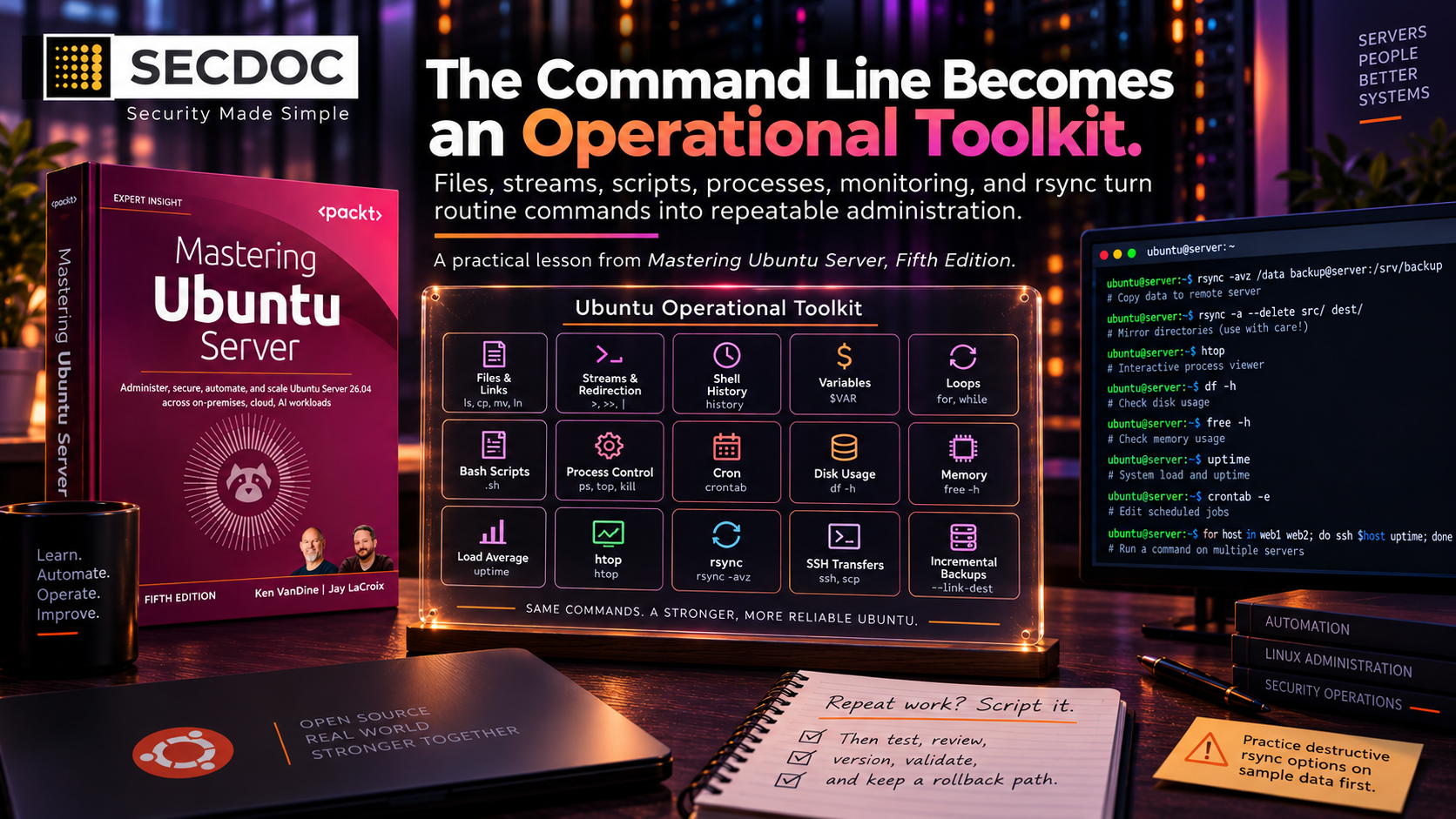
The rsync examples are especially useful. The authors begin with recursive copying, show why archive mode matters for ownership and timestamps, move to SSH transfers, and then introduce deletion and incremental backup directories. They warn readers to use sample data while learning potentially destructive options. That progression helps a new administrator understand both the utility and the risk of rsync.
The Bash chapter should be read as an introduction, not a production automation standard. Its package-installation and backup scripts do not yet include robust error handling, structured logging, lock handling, dry runs, alerting, restore validation, or idempotence beyond simple file checks. The rule that repeated work should become a script is a useful prompt, but mature automation also needs testing, review, version control, failure handling, and a defined rollback path. The preface says a later chapter covers Ansible, but that chapter is not present in the supplied copy.
5. It connects storage, networking, and services to real failure modes
The storage chapter covers partitioning, filesystems, mounting, /etc/fstab, backups, LVM, online expansion, and snapshots. The authors explain why RAID is not a backup and recommend multiple backup layers, including an off-site copy and regular restore testing. They also connect mount options such as ro, rw, exec, and noexec to the intended use of the volume rather than treating defaults as universally appropriate.
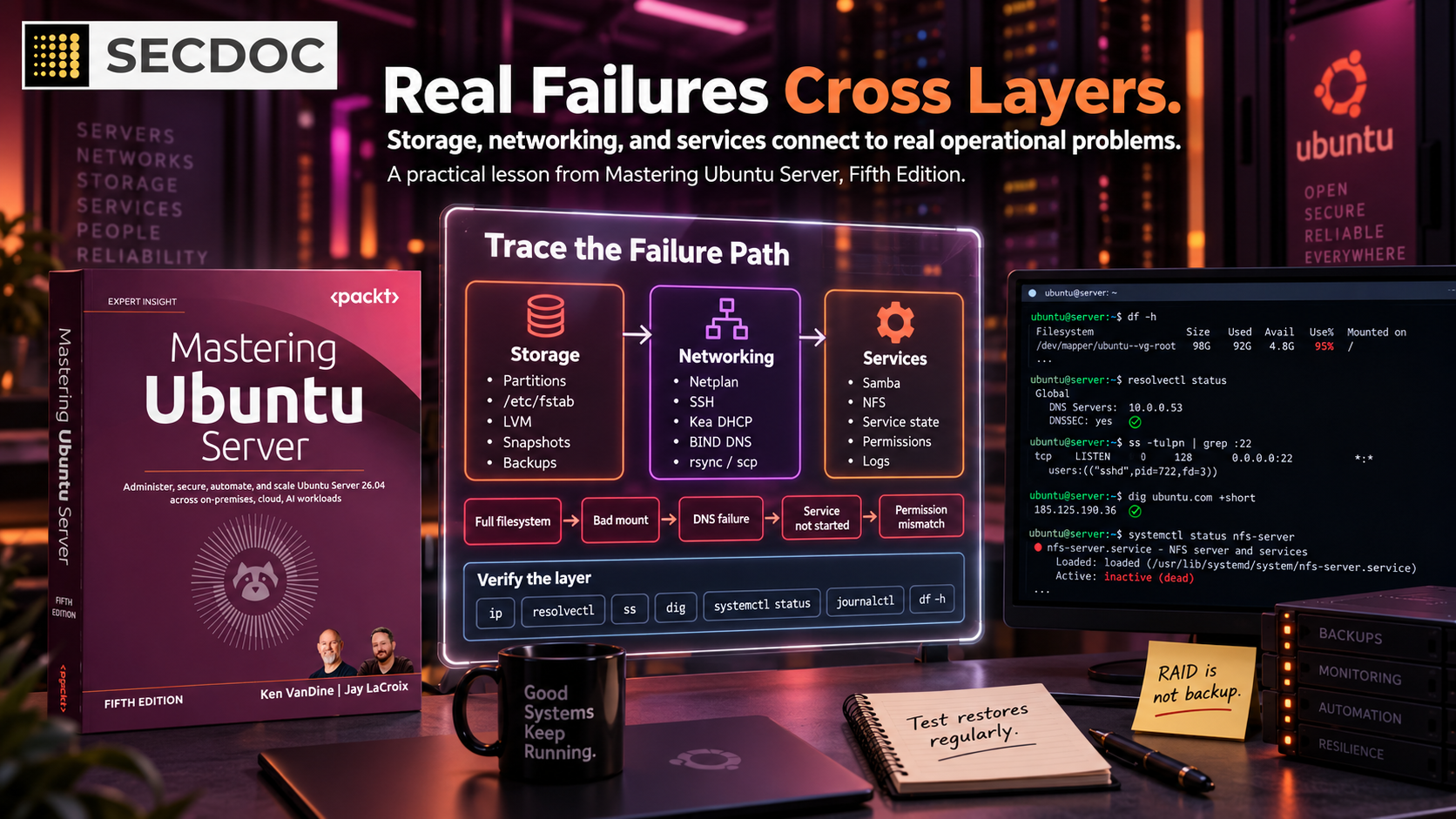
The networking chapters then build from hostnames and Netplan into name resolution, SSH, DHCP with Kea, DNS with BIND, Samba, NFS, rsync, and scp. This is useful because server incidents rarely stay inside one technical category. A failed application may actually be a full filesystem, a bad mount, a DNS problem, a service that did not start, or a permissions mismatch.
The authors also show how to verify the layers. They use ip, resolvectl, ss, dig, service status, and logs to check what the server is actually doing. That makes these chapters more useful than a collection of configuration snippets.
How VanDine and LaCroix approach the material
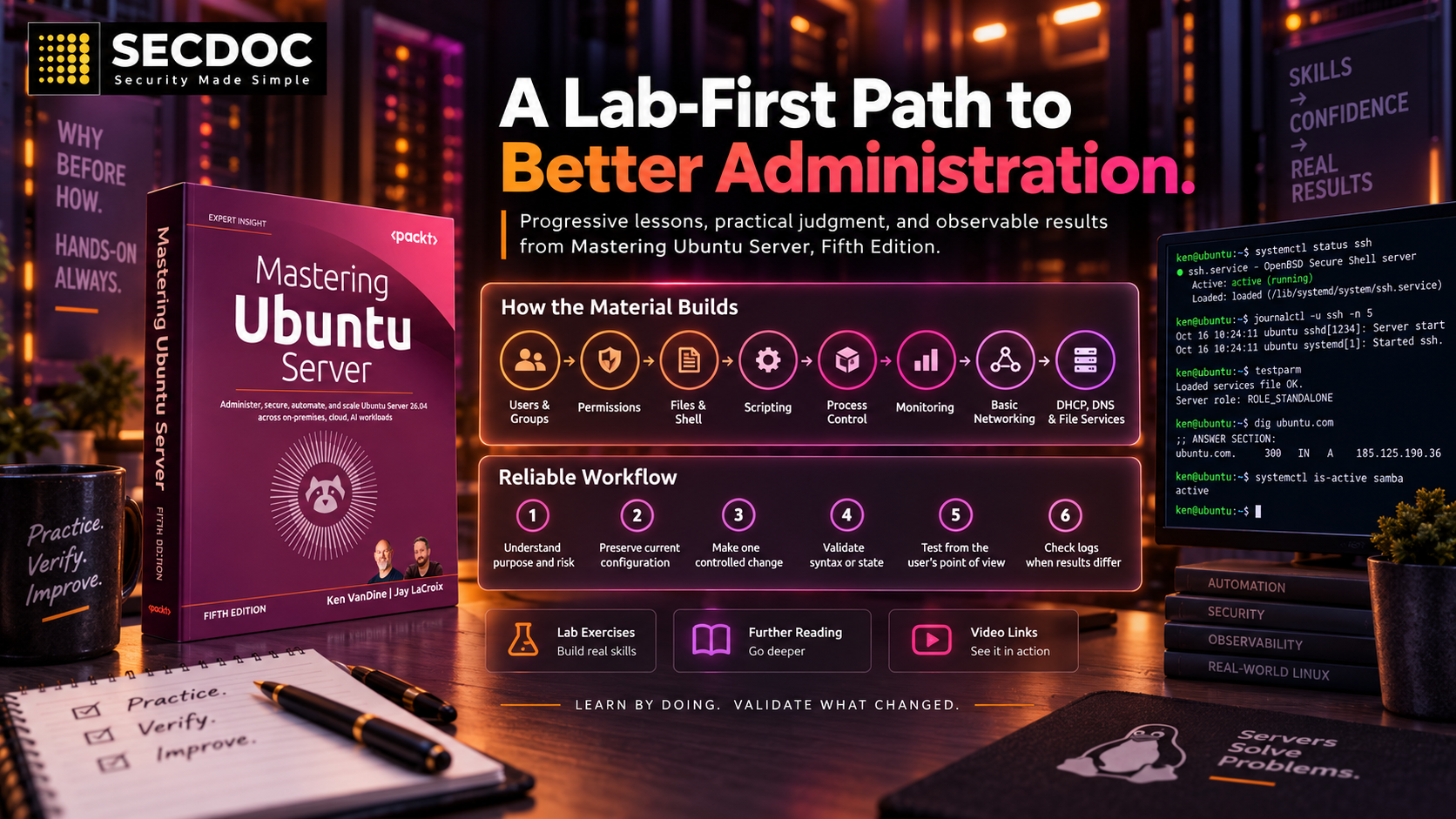
The authors use a progressive, lab-first teaching style. Each chapter assumes the reader has practiced the earlier material. User management comes before permissions. File and shell work comes before scripting. Process control comes before resource monitoring. Basic networking comes before DHCP, DNS, and file services.
They frequently explain why a task matters before showing how to perform it. The deployment chapter discusses service role and business impact before installation. The package chapter explains the trust and maintenance risks of third-party repositories and PPAs before showing how to add them. The storage chapter explains failure and recovery before presenting backup recommendations. This keeps the commands tied to administrative judgment.
The examples also reflect a practitioner's preference for observable results. Readers are not simply told to restart a service. They are shown how to check its state, inspect its logs, test syntax, or exercise the service from a client. When the method is followed consistently, it teaches a reliable workflow:
- Understand the purpose and risk.
- Preserve the current configuration when practical.
- Make one controlled change.
- Validate syntax or state.
- Test the service from the user's point of view.
- Check logs when the result differs from the expectation.
The writing is intentionally informal. Personal stories about lost data, stale hardware, and configuration mistakes make the consequences concrete. The authors also include exercises, further reading, and related video links. Readers who learn by doing will benefit more than readers looking for a compact reference manual.
Where the available material needs caution
The most significant concern in the supplied chapters is the treatment of the internet gateway. The book enables IPv4 forwarding and acknowledges that NAT, masquerading, firewall rules, patching, SSH restrictions, and intrusion protection are also required. However, the implementation of those safeguards is deferred to Chapter 23, even though enabling forwarding places the server in the critical role of routing traffic between networks.

IPv4 forwarding by itself does not create a secure or complete internet gateway. A functional gateway also requires a defined routing policy, NAT for most private networks, ingress filtering, stateful firewall rules, anti-spoofing controls, and a secure, tested management path. Readers should not place this example at the edge of a home or production network until those controls have been designed, implemented, and validated. The progressive structure of the book may explain the sequencing, but in this case it introduces a high-risk capability before the supporting security controls are covered.
A similar, though less severe, sequencing issue appears in the SSH and file-sharing material. The book recommends SSH keys and passphrases, but postpones guidance on disabling or restricting password authentication. The sample Samba configuration intentionally creates a public share with open permissions and identifies the data as non-confidential. Even with that explanation, newer administrators may not recognize that this is a limited lab example rather than a secure default for general file sharing.
Some networking concepts are also simplified to keep the material accessible to readers learning Ubuntu administration. That is a reasonable editorial choice, but the examples should not be treated as a complete guide to network architecture. Administrators responsible for routed environments, segmentation, resilient DNS and DHCP services, or internet-edge security will need a more specialized networking reference. The single, small IPv4 network used in the examples is useful for teaching basic concepts, but it does not represent an enterprise network design.
I can relate to some of these constraints from my own experience with the early editions of Cybersecurity Architect’s Handbook, Second Edition. Early review material often reflects an incomplete editorial sequence. Chapters may still be under development, cross-references may point to content that is not yet available, and security context intended for later sections may not appear in the review copy.
That appears to be the case here. The available table of contents ends at Chapter 13, while the preface describes a total of 26 chapters. Several references point to later chapters that were not included, and the copy contains editing artifacts and placeholders. As a result, this review can assess only the material supplied, not the complete security guidance planned for the book.
These concerns should therefore be read in the context of an Early Review Copy. They remain relevant because readers could apply the examples before reaching the later security material, but they may already be addressed in the final version through revised sequencing, stronger warnings, completed cross-references, or expanded configuration guidance.
Who should read it
This edition is a good fit for:
- Windows administrators moving into Linux server work
- Junior Linux administrators who need a structured learning path
- DevOps, cloud, and security practitioners who need stronger Ubuntu fundamentals
- Homelab operators who want to replace improvised changes with repeatable administration
- Experienced administrators who want an Ubuntu 26.04-oriented refresher

Readers already operating large Linux fleets may find the first half basic. Their interest will probably depend on the later chapters covering Ansible, MicroK8s, AWS, Terraform, security, troubleshooting, disaster recovery, and Landscape. Those chapters cannot be assessed from the supplied Early Review Copy.
The verdict
Based on the chapters available for review, Mastering Ubuntu Server, Fifth Edition provides a strong foundation for learning how to install, administer, monitor, and connect an Ubuntu server to other systems. Its strongest contribution is not any single command or configuration example. It is the consistent connection between making a change, understanding its operational effect, and collecting evidence that confirms the intended result.
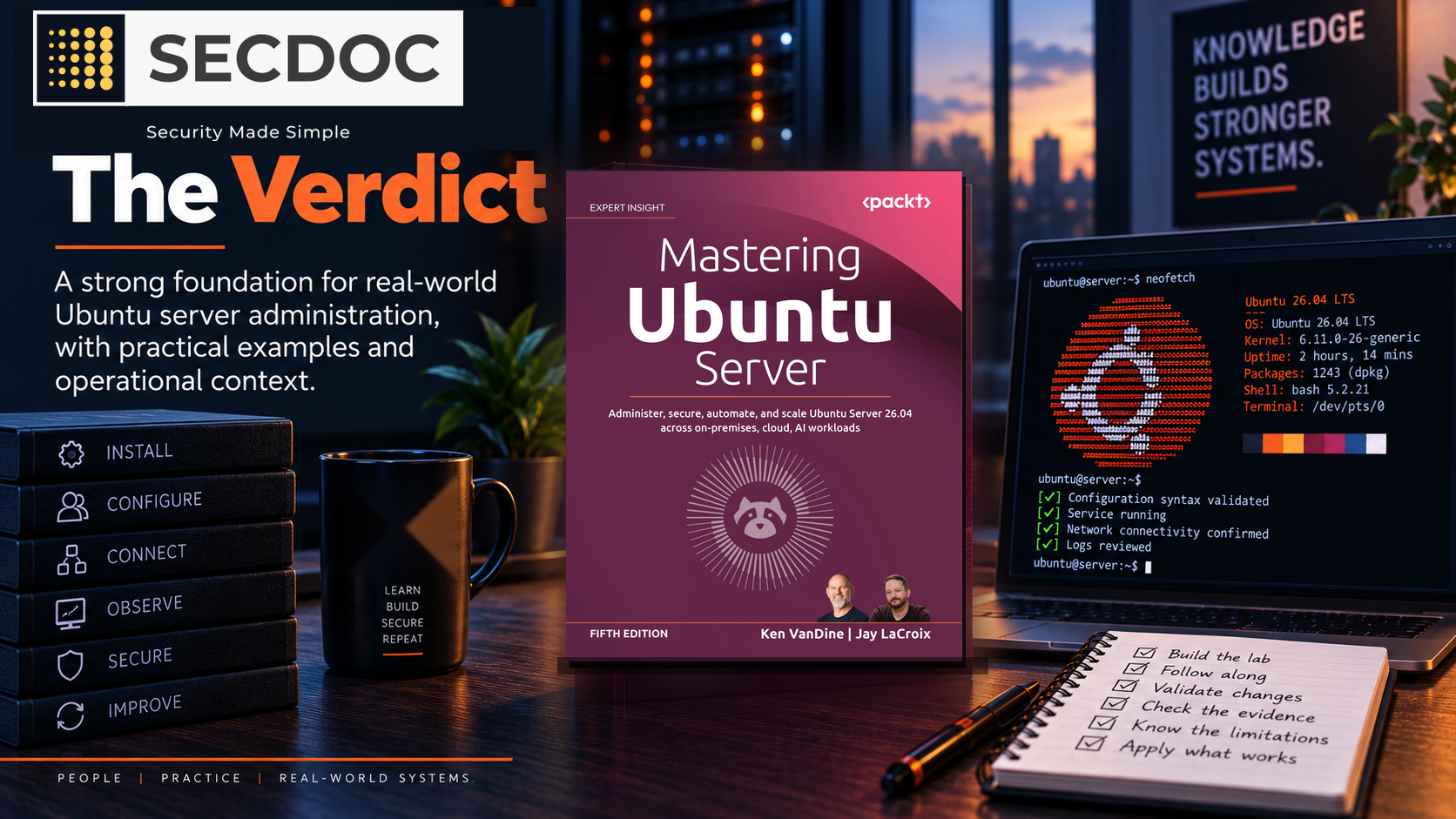
The book is most effective when readers build a lab environment and follow the examples themselves. Its conversational explanations make Linux administration more approachable, while practices such as using visudo, netplan try, named-checkconf, testparm, service status checks, log inspection, and restore testing help readers develop sound operational habits.
For new and developing administrators, the first 13 chapters provide a practical path from installation through day-to-day administration and useful network services. When the final edition completes the remaining material, resolves the editorial gaps, and places clearer safety boundaries around high-risk configurations, it will be a valuable learning resource and desk reference for Ubuntu Server 26.04.


